Digitizing photos from the 1998 Game Boy Camera
One of my passions is retro game collecting, particularly things that I wanted to have as a kid but didn’t either because my parents couldn’t afford it or because those products weren’t available in Brazil.
Recently, I was able to get my hands on one of these wishes: The Game Boy Camera and its printer accessory. Released in 1998, this “game” turned your Game Boy into a kinda bad digital camera, but certainly amazing for the time. Today, even though the quality clearly sucks, I feel that there’s a certain charm to it that I can’t quite put into words.
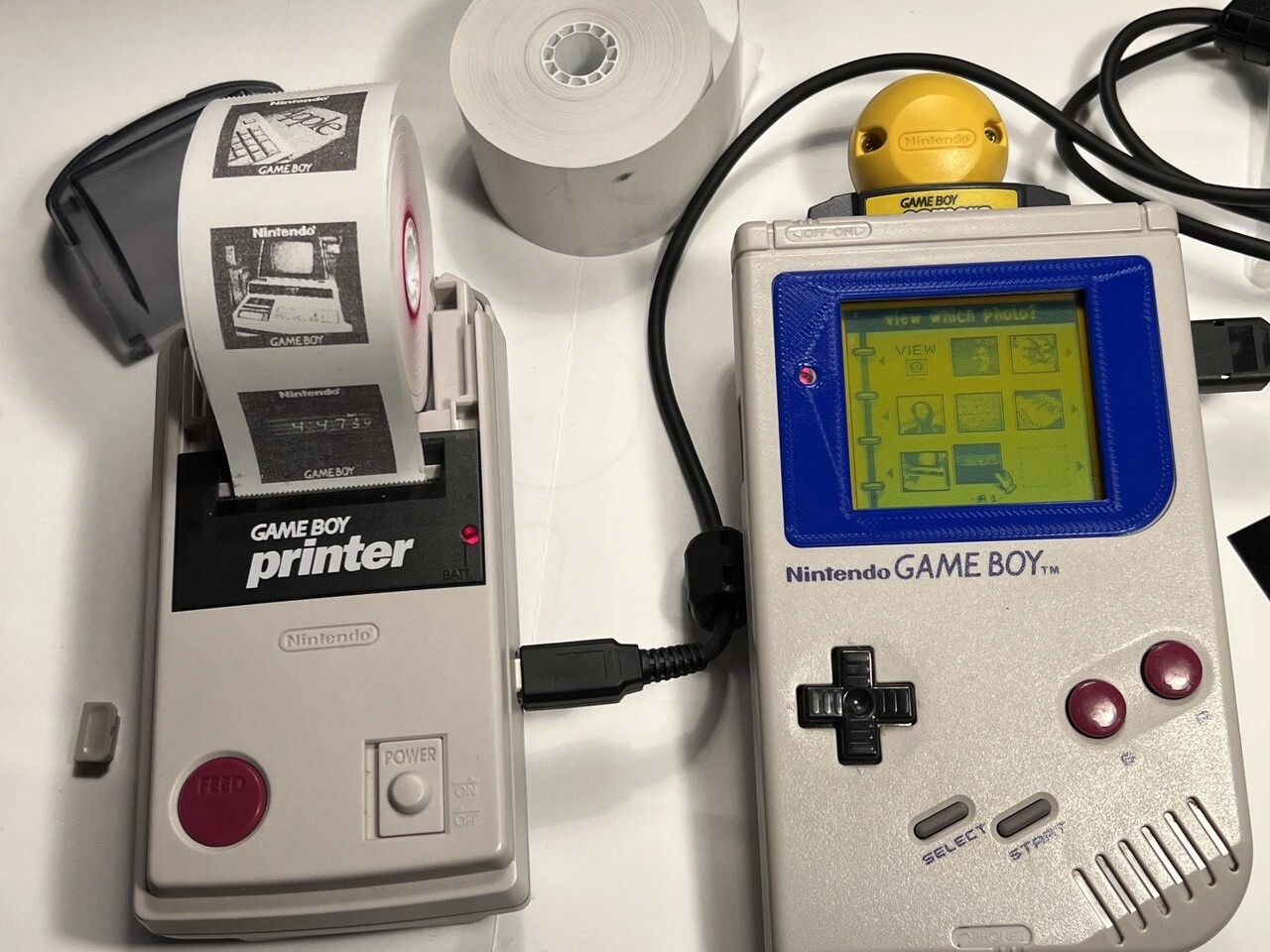
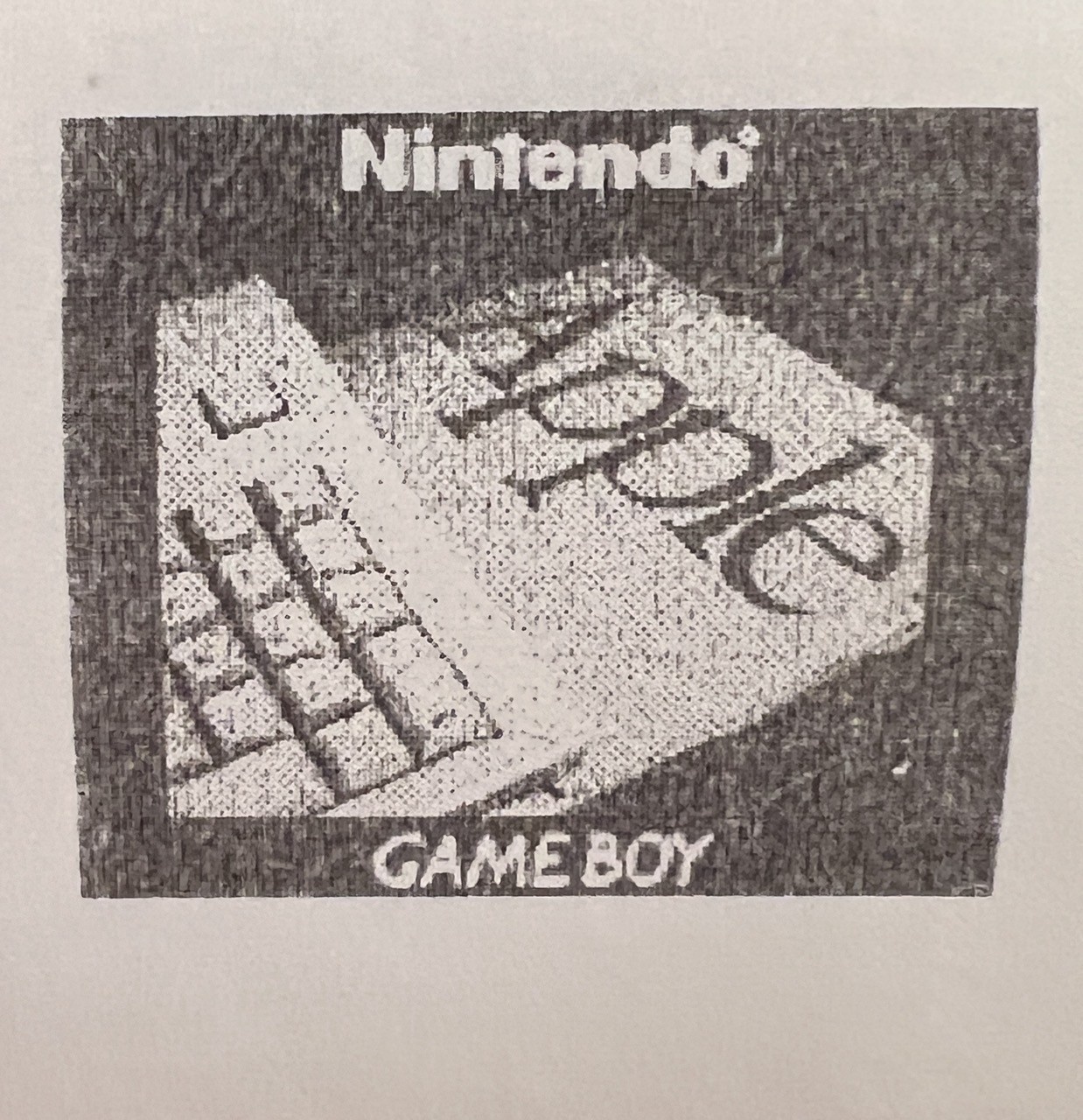
The way saving photos worked is that the game itself can only hold 30 photos, and if you wanted more than that, you needed to use the Game Boy Printer accessory to bring them to the real world. The problem with the printer however is that it uses the same thermal printing technology used for receipts, so not only were the photos comically small, but they also faded over time.
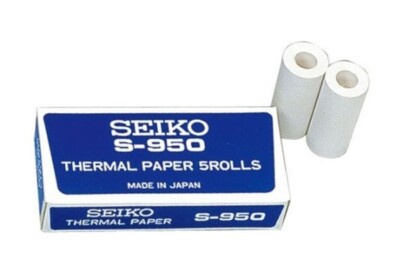
This is even worse today because on top of those issues, there’s now also the additional problem of how difficult it is to compatible find paper rolls nowadays. The Seiko S950 rolls are the only ones I’m aware of that work great, and not only they are not easy to find, but also quite expensive…
Emulating the Game Boy Printer
With that in mind, my primary goal after obtaining these products was finding out how to digitize the photos using modern approaches. I was ready to reverse engineer the printer signal to determine how to emulate it via software, but as it turns out, the community has already done all of that!
The Arduino Gameboy Printer Emulator (V3) is an open-source project that does just what the name says. It’s hosted under the GitHub account of Brian Khuu (mofosyne), but from what I could tell, this project is actually the combined work of him and several other devs, primarily Raphaël Boichot who seemed to have done a lot of work to decode the printer signals and designing the final PCBs.
By wiring an Arduino in between the camera and the printer, they were able to sniff the signals and make sense of the protocol used by the printer. I’m not going to pretend to be smart enough to explain to you how exactly the protocol works, so I’ll just copy-paste the information they added to the README:
| BYTE POS :    |     0     |     1     |     2     |      3      |     4     |     5     |  6 + X    | 6 + X + 1 | 6 + X + 2 | 6 + X + 3 | 6 + X + 4 |
|---------------|-----------|-----------|-----------|-------------|-----------|-----------|-----------|-----------|-----------|-----------|-----------|
| SIZE          |        2 Bytes        |  1 Byte   |   1 Byte    |  1 Bytes  |  1 Bytes  | Variable  |        2 Bytes        |  1 Bytes  |  1 Bytes  |
| DESCRIPTION   |       SYNC_WORD       | COMMAND   | COMPRESSION |     DATA_LENGTH(X)    | Payload   |       CHECKSUM        |  DEVICEID |  STATUS   |
| GB TO PRINTER |    0x88   |    0x33   | See Below | See Below   | Low Byte  | High Byte | See Below |       See Below       |    0x00   |    0x00   |
| TO PRINTER | 0x00 | 0x00 | 0x00 | 0x00 | 0x00 | 0x00 | 0x00 | 0x00 | 0x00 | 0x81 | See Below |- Header is the Command, Compression and Data Length
- Command field may be either Initialize (0x01), Data (0x04), Print (0x02), or Inquiry (0x0F).
- Compression field is a compression indicator. No compression (0x00), Yes Compression (0x01)
- Payload byte count size depends on the value of the
DATA_LENGTHfield. - Checksum is 2 bytes of data representing the sum of the header + all data in the data portion of the packet
- Status byte is a bitfield byte indicating various status of the printer itself. (e.g. If it is still printing)
With that sorted out, all that was left was cloning this protocol in software so that you could use an Arduino to emulate the printer and extract the actual image data being printed.
So that meant that there was no software work for me to do, but I still had one challenge to solve myself: how to actually run this thing? I had no intentions of prying open an actual Game Boy cable, so something would have to be built.
Luckily for me, Raphaël also designed PCBs for this project, providing a much more elegant solution than ripping some cables apart. I ordered the Arduino Uno version from JLPCB, and after waiting a very long time for a third-party GBC port and some pin headers to arrive from China, I was now tasked with my first serious soldering job.
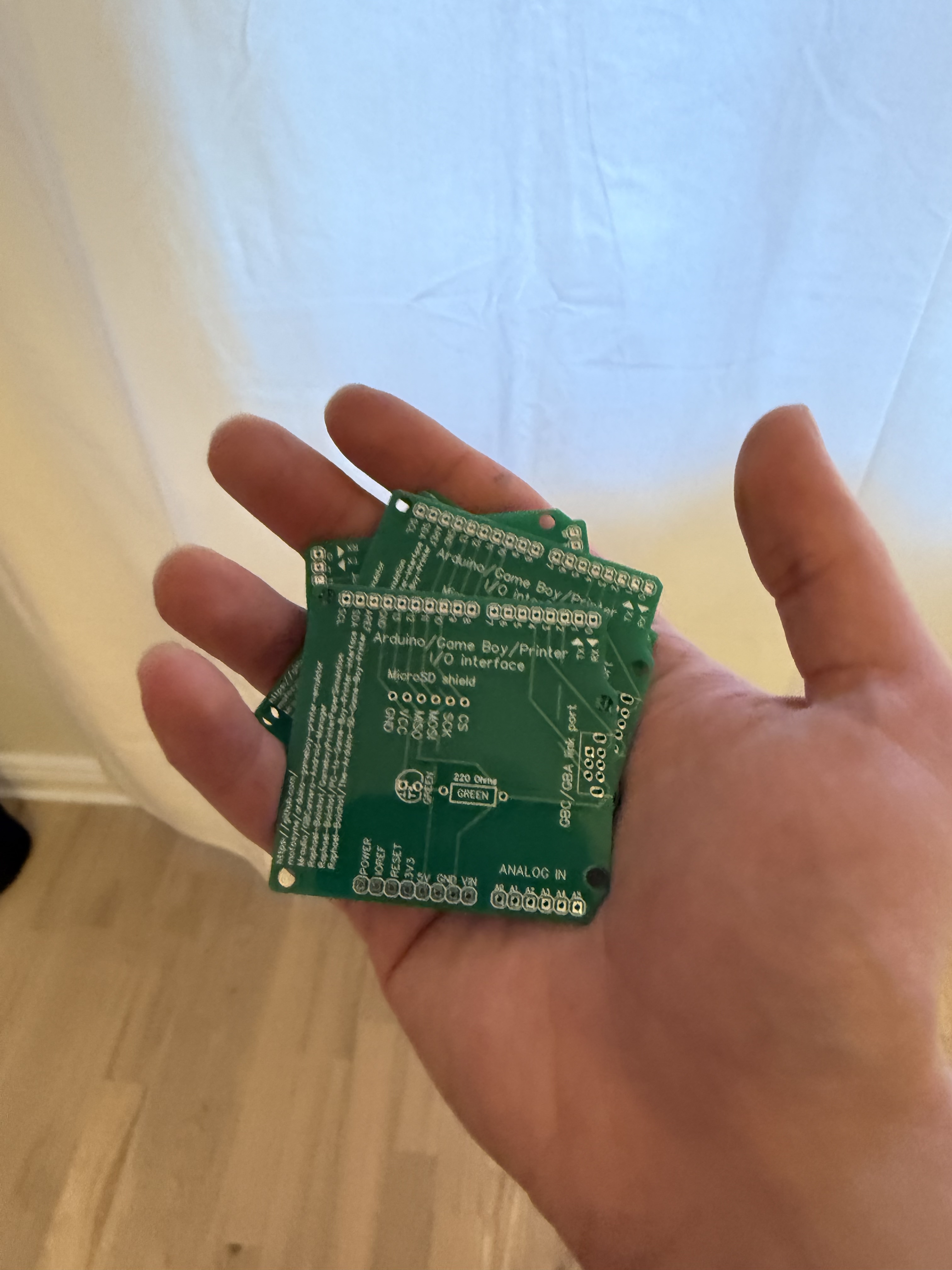
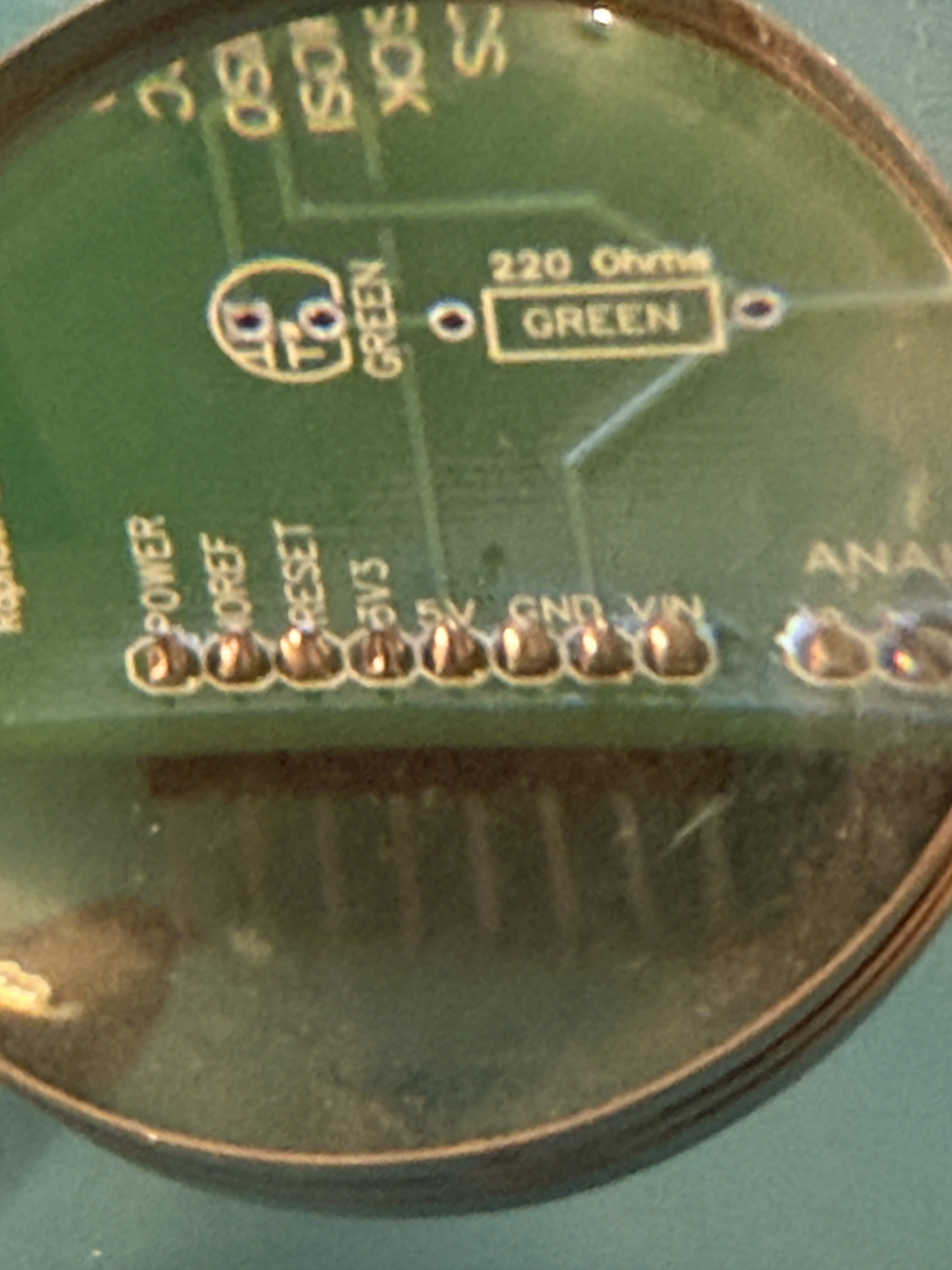
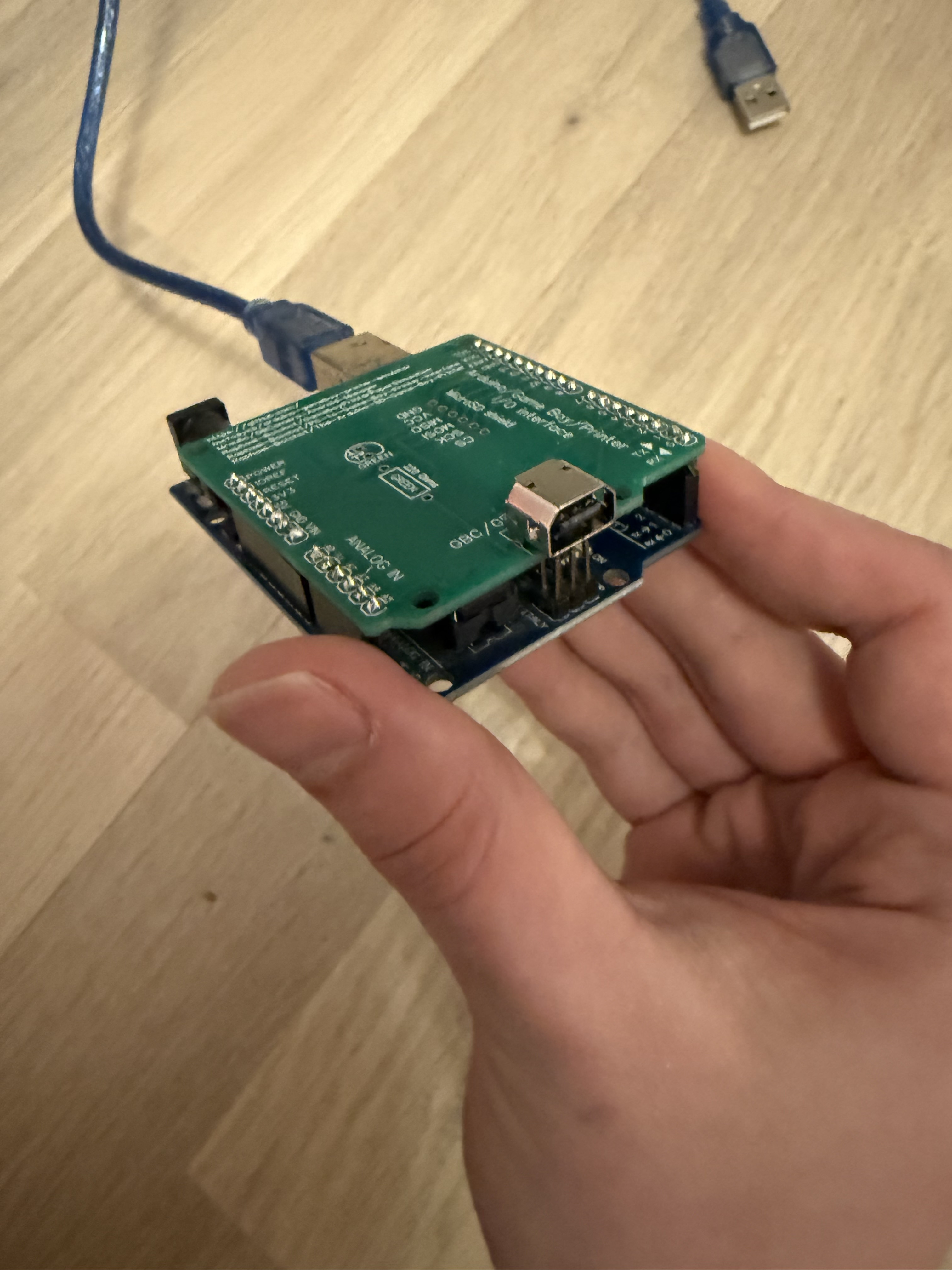
I had no expectations that this would actually work, but soldering this project turned out to be easier than I expected, and everything worked first try!
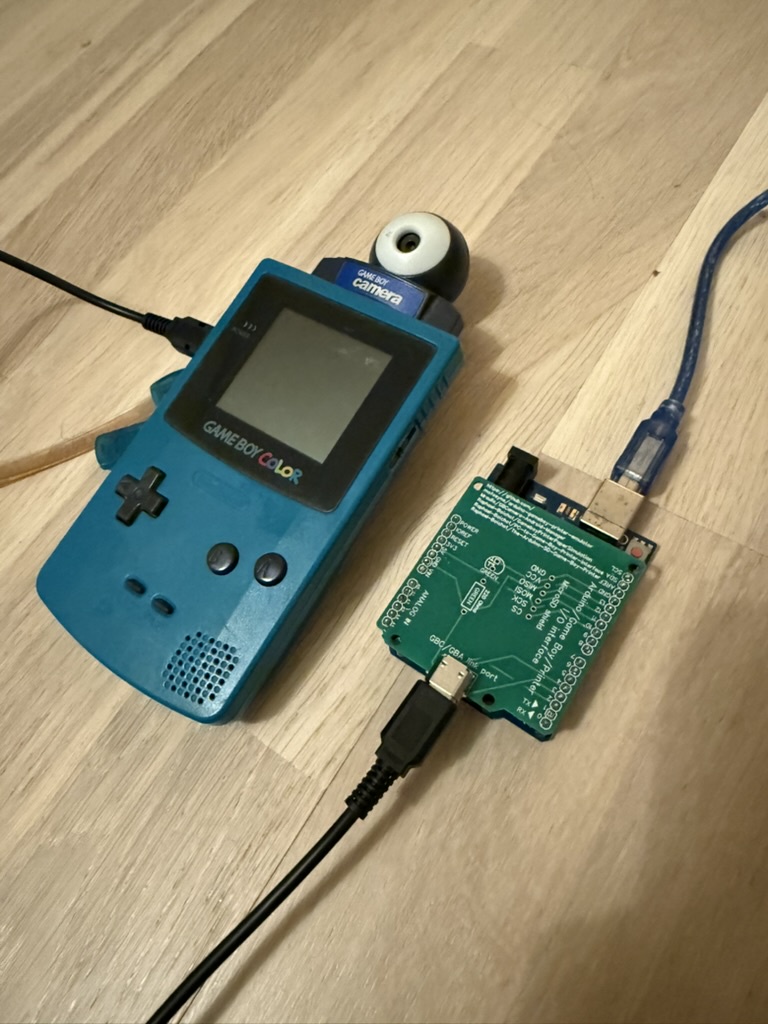
The output of the Arduino is the raw photo information, which you then need to extract to later convert it to a proper image (there are many community built solutions on the README):
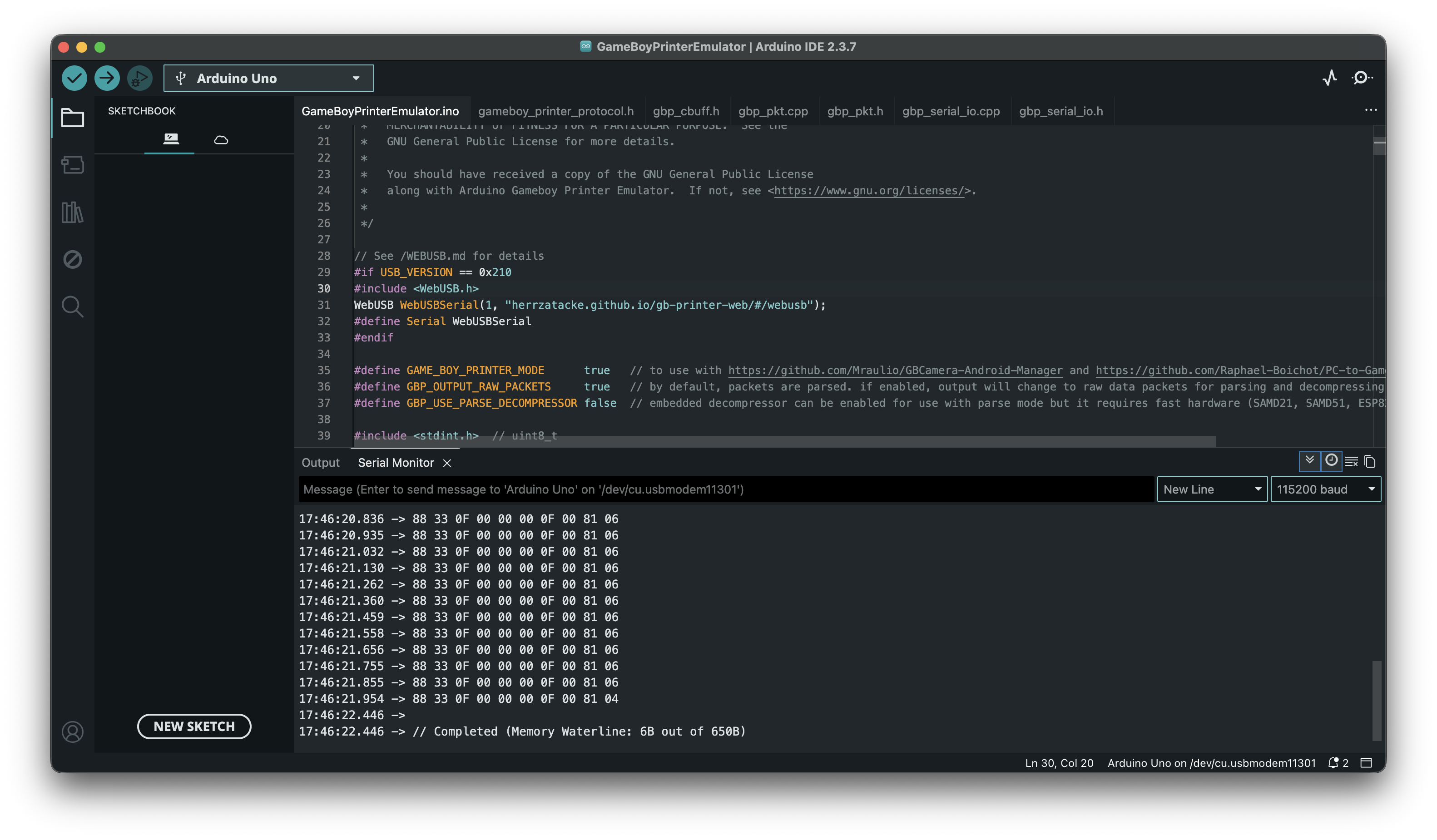
However I later found out that one of these solutions (the Game Boy Camera Gallery) can even do the serial reading directly from the browser, so I didn’t even need to pull the serial logs from the Arduino. You can even change the color scheme of the photos to match the different color palettes you’d see across the different Game Boy models you could use the camera with which I thought was a really neat feature.
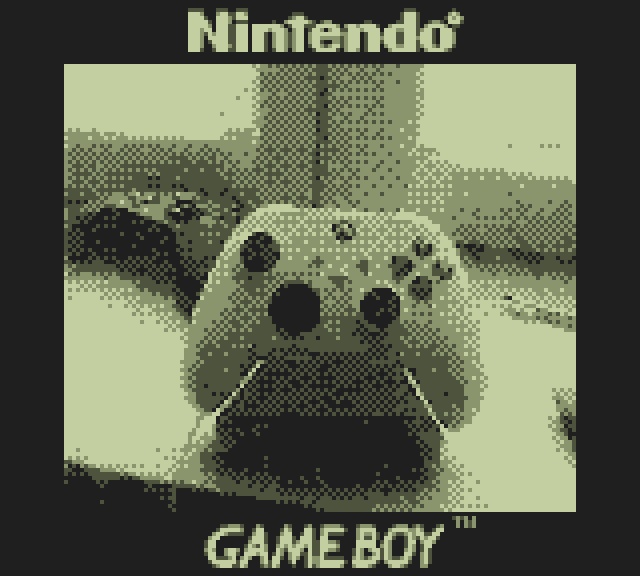
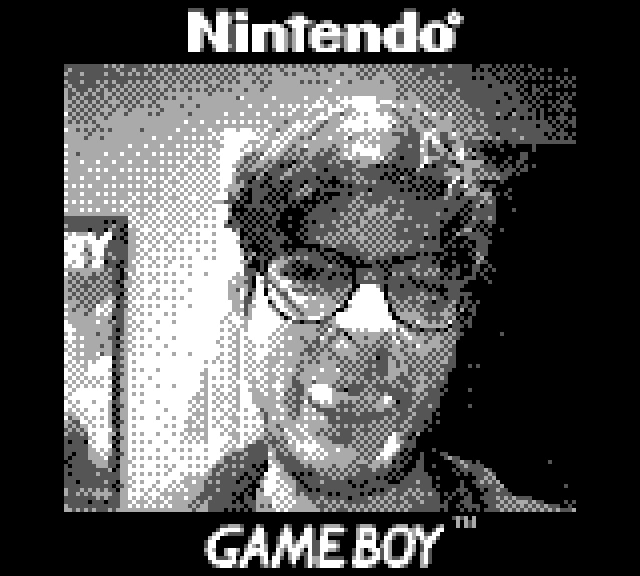
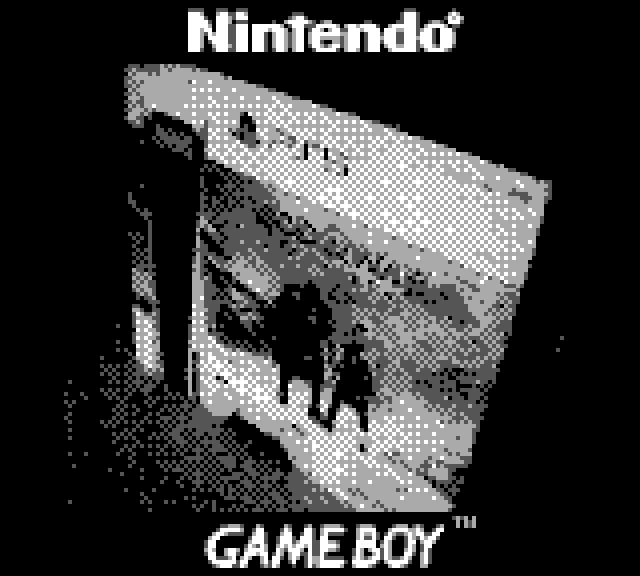
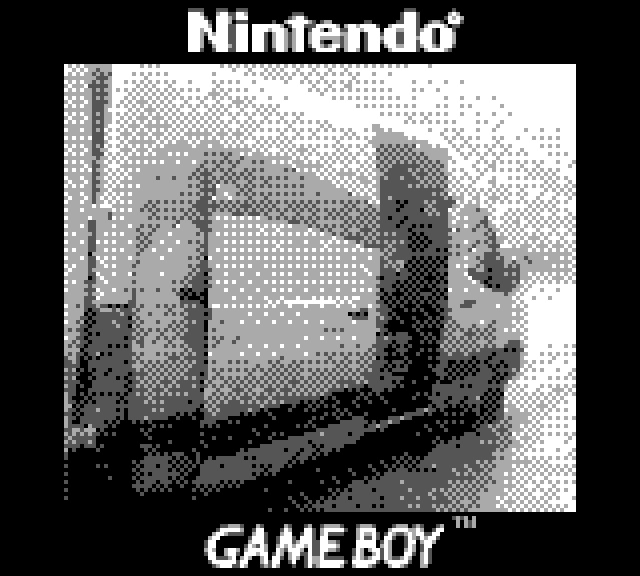
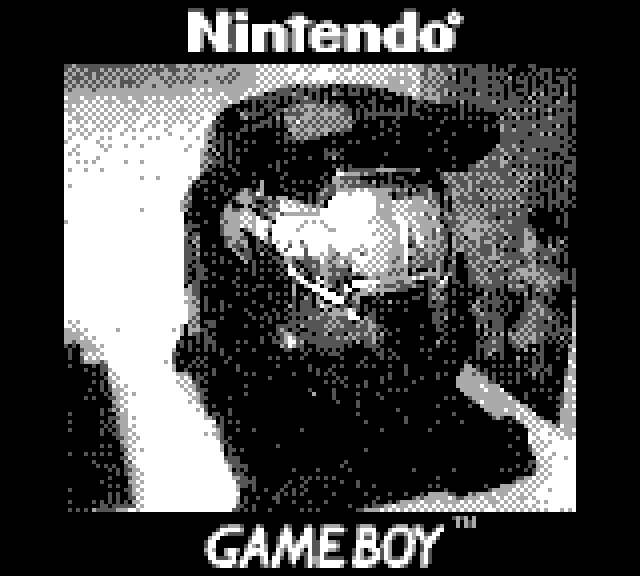
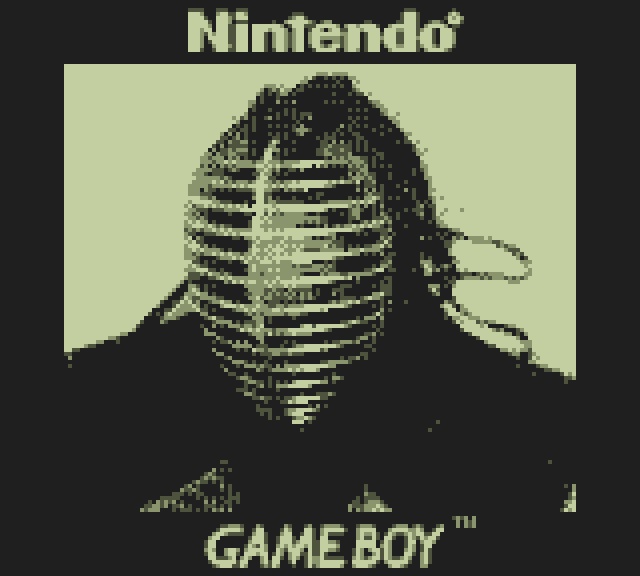
Here are some of my favorite recently digitized photos: